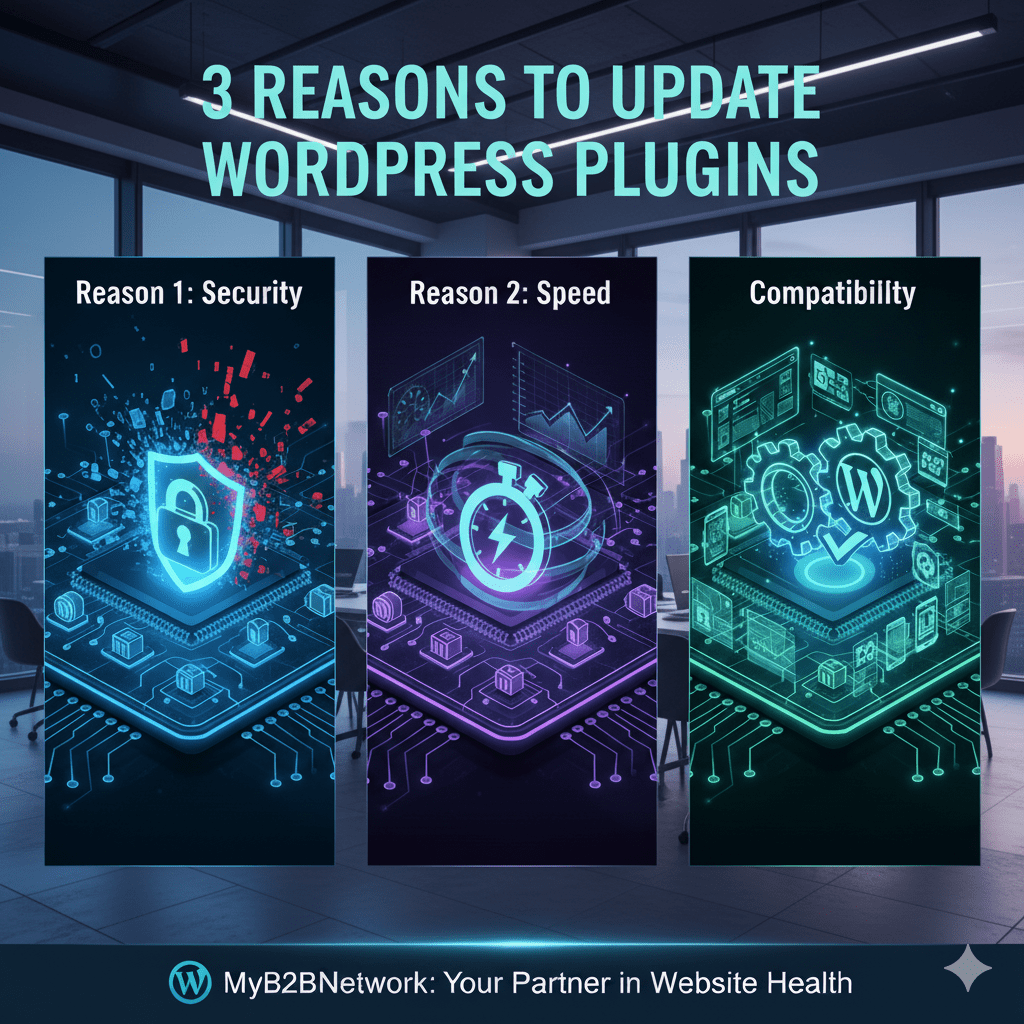
Update WordPress Plugins: Security & Speed

WordPress Plugins
Introduction: The Hidden Risk in Your Digital Foundation

For B2B marketers, the company website is the ultimate lead generation machine—a hub for content, customer data, and sales conversions. Yet, many mid-level marketers treat their website’s foundation, the WordPress platform and its array of plugins, with a “set it and forget it” mentality. This neglect creates a silent, ticking time bomb. Every piece of un-updated software is an open invitation to hackers and a hidden drag on performance.

The difference between a secure, fast-loading site and a crash-prone liability often comes down to one simple, yet overlooked, task: updating plugins. Understanding the core issues is the first step toward achieving marketing success on best channels for marketers 2025. This article lays out the 3 Reasons to Update WordPress Plugins and Ensure a Healthy Site, showing how this simple maintenance task is critical for both security and profit.

Reason 1: Bolstering the Walls Against Digital Threats

Closing the Vulnerability Loophole

The most critical function of a plugin update is security. WordPress’s open-source nature, while beneficial, makes it a prime target for malicious actors. Hackers constantly scan the web for websites running popular, but outdated plugins like WooCommerce or Yoast SEO. Why? Because when a developer discovers and patches a security hole, the old version of the plugin remains exposed.

A failure to update promptly leaves your site vulnerable to unauthorized access, data breaches, and other exploits that could compromise sensitive lead data and harm your reputation. If you’re leveraging powerful lead-generating functionalities like your CRM Service integration or forms from your Marketing Automation Service, these unpatched vulnerabilities pose a direct threat to your most valuable assets. Think of an un-updated plugin like leaving a back door open in your fortress—it doesn’t matter how strong the front gate (WordPress Core) is if the weakest link is ignored.

Reason 2: Optimizing Your Website for Speed and User Experience

Removing the Digital Drag: Performance and Bug Fixes

While security prevents disaster, the second reason to update directly drives business results: performance. Plugins are complex pieces of software, and over time, they can suffer from bugs, compatibility conflicts, or inefficient code that slows your site to a crawl.

Plugin developers constantly release updates that include bug fixes and performance enhancements. These improvements might involve better caching mechanisms, reduced resource consumption, or streamlined code that directly impacts your site’s Core Web Vitals. Slow loading times in 2025 are a death sentence for conversions and search rankings. Users in the US, India, and the UK expect instant results. By ensuring you keep up with updates, you maintain optimal speed, significantly enhancing user experience and supporting your content’s ability to grow your network online through superior SEO.

MyB2BNetwork

Discover how to unlock target markets and hit your number with insight-driven engagement.

Reason 3: Ensuring Compatibility and Future-Proofing Features

Staying Synced with the WordPress Core

WordPress itself is a dynamic platform, rolling out new features, security enhancements, and compatibility changes multiple times a year. Plugins must be updated to ensure they function correctly with the latest version of WordPress Core.

Failing to update can result in compatibility issues—that alarming “Critical Error” message that takes your site offline. This downtime can instantly sabotage active campaigns, crippling any social commerce strategies or B2B outreach efforts using your platform.

Furthermore, updates often introduce new features, expanded functionalities, or better customization options. For B2B marketers, this might mean new hooks for social media marketing tools, improved integration with B2B social platforms. Enhanced speed through compatibility with the latest PHP versions. By updating, you unlock a superior, more engaging experience, ensuring your website remains a modern and efficient marketing asset.

MyB2BNetwork: Your Partner in Website Health

Maintaining a secure, performant B2B website requires ongoing expertise that often exceeds the capacity of mid-level marketing teams. The complexity of managing core files, premium plugins, and server configurations can be a significant drain on time and resources.

If you are concerned about your site’s maintenance, need a Disaster Recovery plan implemented, or require continuous monitoring to ensure timely plugin updates, MyB2BNetwork is here to help. We connect businesses with verified service providers specializing in IT Service, Technology Services, and Web Development to manage these critical tasks.

Conclusion: Make Maintenance Your Marketing Priority

Updating WordPress plugins is not merely an administrative chore—it is a proactive marketing strategy. It protects your data, ensures your site is fast for users. Guarantees seamless functionality with the latest tools and security standards. Ignoring this fundamental task puts your entire lead generation pipeline at risk.

Ready to protect your digital assets and ensure your website remains a high-performing engine? If you need expert assistance with IT Service, Web Development, or any Technology Services related to website maintenance and security. MyB2BNetwork simplifies the process by connecting you with top-tier, vetted providers. We assist by defining your project needs for accurate quotes, getting competitive offers from technology providers. Even offering negotiation support to finalize the best deal.

Now that you’re here

MyB2BNetwork generates new leads, offers insight on your customers

and can help you increase your marketing ROI.

If you liked this blog post, you’ll probably love MyB2BNetwork, too.

Leave a Reply

Your email address will not be published. Required fields are marked *